Calendar
Keeps fixed events and appointments.
Life beyond the urgent
Slate looks at the time you have and shows you one thing worth doing in it.
Free to start. The complete Slate planning method.
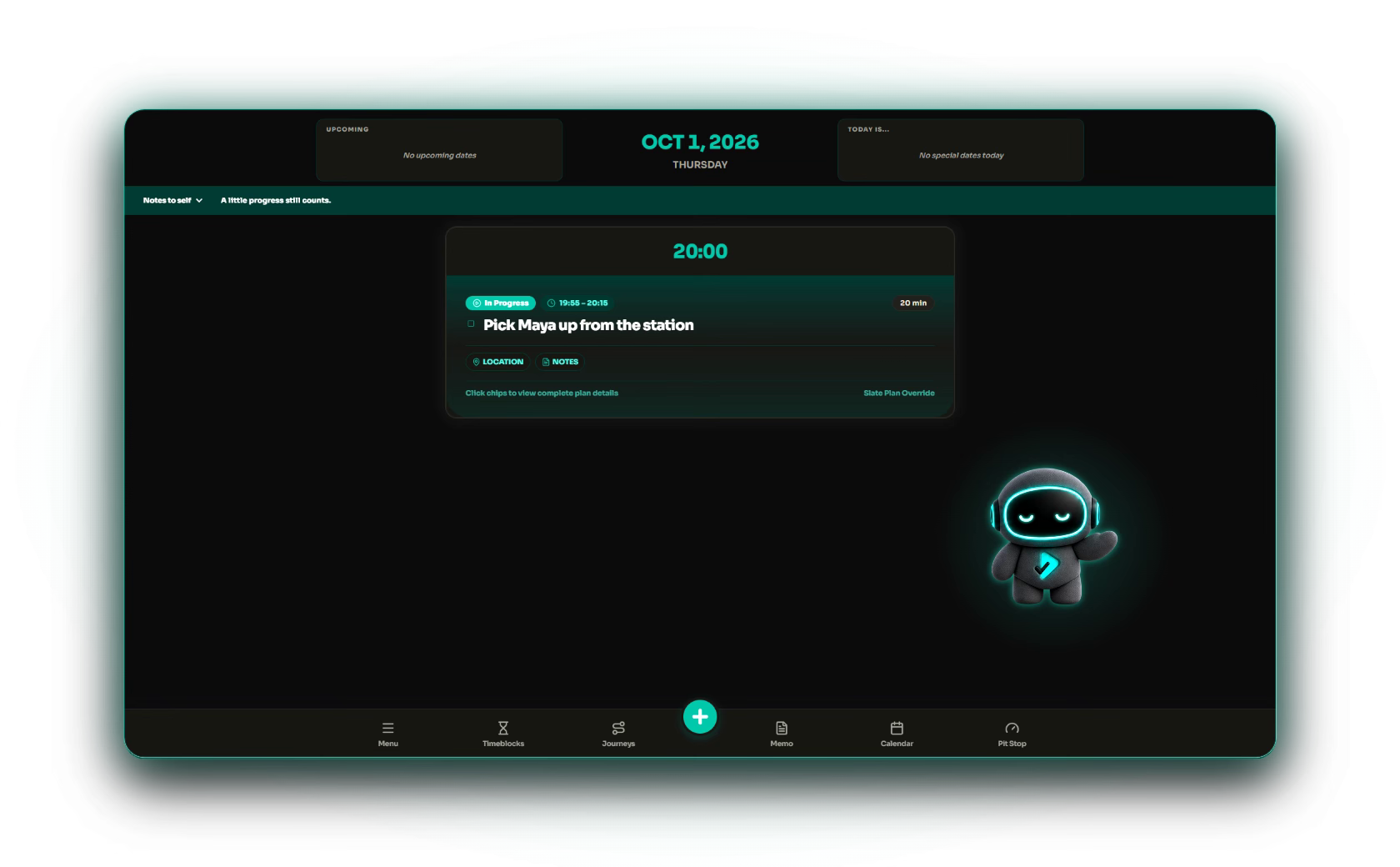
Demo data shown.
JourneyA Journey holds a goal or project.
TaskA Task is one action within it.
PlanA Plan is a commitment scheduled for a specific time.
Familiar tools
Calendars, reminders, lists, Timeblocks, short resets, and notes each have a clear job.
Keeps fixed events and appointments.
Bring something back at a time you choose.
Hold everything you might want to do.
Reserve a kind of time in your week.
Choose how you feel and try one short reset.
Keep ideas and details close.
But who has time to revisit all of it? Fragmented tools turn doing time into planning time.
The connection
Slate brings familiar tools together in a pre-decided structure, so you spend less time revisiting them and more time doing what matters.
Plans protect scheduled commitments. Dates keep important all-day reminders in view.
Timeblocks set the focus. Journeys keep goals and projects moving in a useful order.
Home brings together what matters now: tasks from your current Timeblock, Plans when they’re due, and the notes and dates you want to remember.
Your ideal week
Set the shape of your week once, then let Slate bring forward the next Task for each part of it.
Create recurring Timeblocks for work, learning, health, home, or anything else you want time for.
Decide once → use each openingJourneys keep goals and projects in order. Their next tasks surface on Home at the right time.
Organize the project → see one next stepRecipes, workouts, ideas, and courses become small Tasks that return in the Timeblocks you connect them to.
Save less for later → do more nowCreate an account, build your rhythm, and upgrade only when you want cloud backup and sync.
How it works
A two-minute walkthrough from familiar tools to one Home.
Press play when you are ready. The video stays paused and quiet until you start it.
When life shows up
Not everything is about doing. Slate also keeps commitments, transitions, resets, and things you want to remember in view.
A Plan temporarily takes over Home. When it ends, your normal flow returns.
Set prep time and keep a checklist, notes, links, and a location close to the Plan.
Opening and Closing Routines guide you into and out of each Timeblock, one step at a time.
Choose how you are feeling and try one short activity that may help reset your energy or focus.
Memo keeps useful notes visible through repeated exposure, advances them in a fixed sequence, and remembers your place.
Track all-day reminders with lead notices, recurrence, and notes.
Slate Free + Pro
Use the complete Slate planning method for free. Pro adds custom recurring and spoken reminders, support, and keeps your Slate with you across devices.
Compare plans and pricing Slate Pro
“You can do it all,
but not all at once.”
You already know the tools. Slate brings them together without asking you to do it all at once.
FAQ
The essentials before you start your Slate.
Slate brings the familiar ideas behind calendars, lists, reminders, focus time, breaks, and notes into one Home.
People who already have calendars, lists, reminders, notes, and saved ideas, but do not want to revisit each one whenever time opens up.
Yes. Sign in with email or Google. Slate Free stores your planner data on your device; automatic cloud backup and sync are Pro features.
Yes. You get the complete planning method, with no limits on tasks, Journeys, or Timeblocks and no trial period.
Slate Pro adds custom recurring reminders, spoken reminders, support, access to new Pro features as they’re released, and keeps your Slate backed up and in sync across devices. Task attachment files stay local because cloud attachment-file transfer is currently unavailable. Pro is US$4.99/month or US$29.99/year. Eligible Founding Annual subscribers keep their assigned yearly price while their subscription remains continuously active. Regional pricing may apply.
ONE HOME